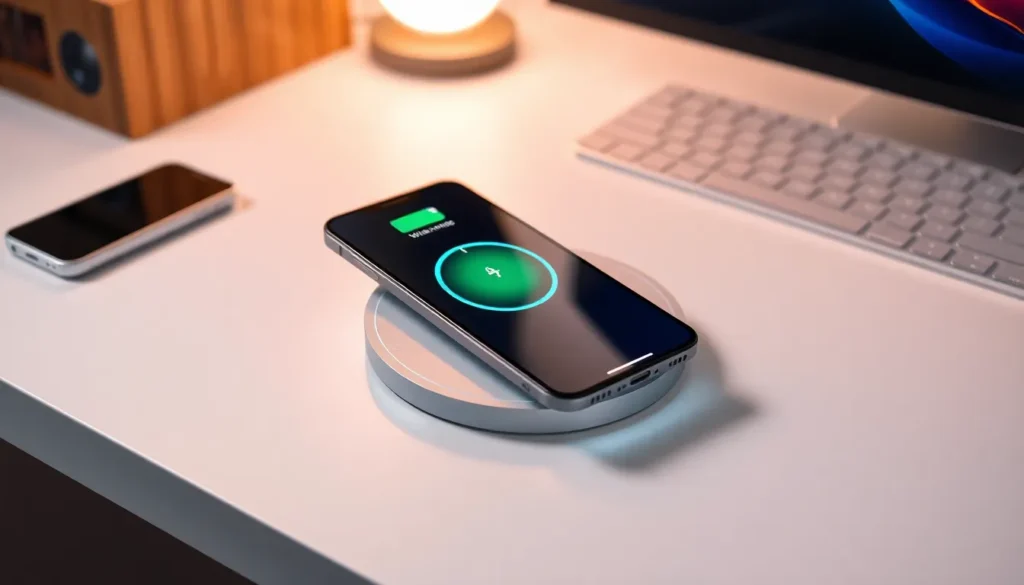
In a world where tangled cords and frayed chargers are as common as mismatched socks, wireless charging for iPhones emerges as the superhero we didn’t know we needed. Imagine simply placing your phone on a sleek charging pad and watching it power up—no wrestling with cables or searching for that elusive plug. It’s like magic, but with a tech twist!
Understanding Wireless Charging
Wireless charging offers a modern solution for powering iPhones without cords. It uses electromagnetic fields to transfer energy from a charging station to the device.
What Is Wireless Charging?
Wireless charging is a method that allows devices to charge without direct physical connections. It primarily utilizes inductive charging technology. Chargers convert electrical energy into a magnetic field, which interacts with compatible devices. Most recent iPhones support this technology, making the charging process seamless. Users benefit from convenience, as they can simply place their phones on a charging pad.
How Does It Work?
Wireless charging functions through electromagnetic induction. A transmitter coil within the charging station generates a magnetic field, which induces current in a receiver coil located in the iPhone. This current then charges the battery. Alignment between the coils ensures efficient energy transfer. Qi standards govern most wireless charging systems, creating compatibility across various devices. Users enjoy a streamlined experience as they avoid frequent plugging and unplugging of cables.
Setting Up Your iPhone for Wireless Charging
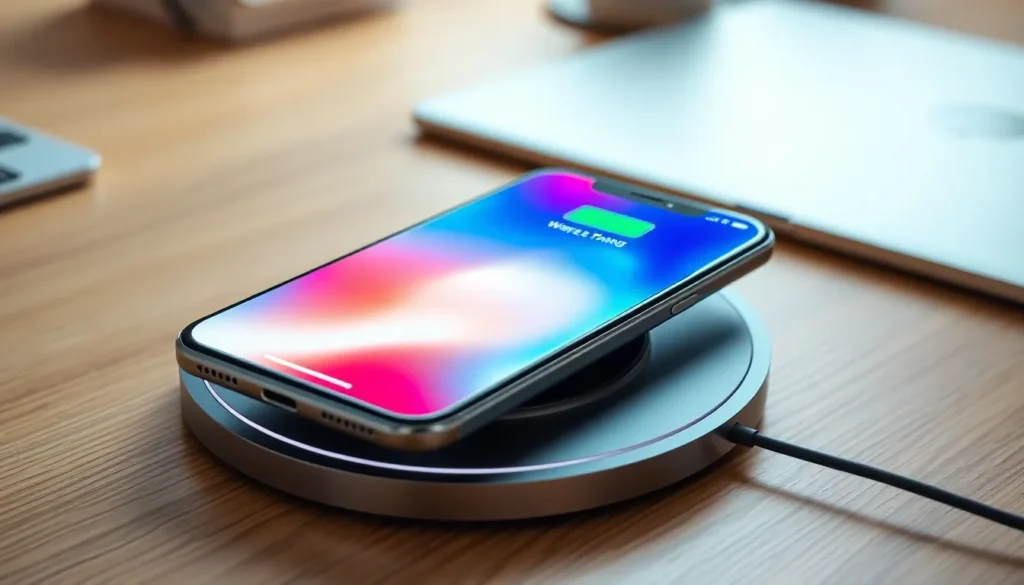
Setting up an iPhone for wireless charging requires specific models and accessories. When considering compatibility, users should know which iPhone models support this feature.
Compatible iPhone Models
iPhones from the iPhone 8 series and later support wireless charging. Models include iPhone 8, iPhone 8 Plus, iPhone X, iPhone XR, iPhone XS, iPhone XS Max, iPhone 11, iPhone 11 Pro, iPhone 11 Pro Max, iPhone SE (2nd generation), iPhone 12 series, iPhone 13 series, and iPhone 14 series. Each of these models features built-in wireless charging capabilities, enabling quick and convenient recharges. Ensuring compatibility prevents frustration during the charging process and maximizes battery efficiency.
Required Accessories
Users require specific accessories to enable wireless charging. A Qi-certified charging pad or stand serves as the primary charging station. Such devices can be found from various manufacturers, ensuring availability in the market. Additionally, a USB power adapter connects the charging pad to a power source. Opting for reputable brands helps ensure safety and compatibility. These accessories can enhance the convenience of wireless charging, providing an effective solution to power up devices without cables.
Step-by-Step Guide to Wireless Charging on iPhone
Wireless charging simplifies the process of powering up an iPhone. By following a few simple steps, users can enjoy fast and effective charging.
Placing Your iPhone on the Charger
Start by using a Qi-certified charging pad or stand. Align the iPhone’s center with the charging pad’s center to ensure efficient energy transfer. Users may notice a slight vibration or sound when the phone connects with the charger. It’s crucial to remove any cases or accessories that may obstruct the connection. Ensure the charging pad is plugged into a power source before placing the device. Once positioned correctly, the iPhone should begin charging without any additional actions required.
Monitoring Charging Progress
Users can easily track their iPhone’s charging status. The device displays a battery icon on the screen when charging begins. An animated charging symbol also appears, confirming the connection. Notifications may include prompts regarding battery percentage or low power status. Checking the battery percentage provides insight into the charging progress. If the iPhone is positioned incorrectly, users can reposition it for optimal charging. It’s advisable to keep an eye on the notification center for further updates on the battery life.
Troubleshooting Wireless Charging Issues
Wireless charging can occasionally present challenges. Identifying common issues can resolve many frustrations.
Common Problems and Solutions
Devices may not charge if they’re misaligned. Ensure the iPhone’s center aligns with the charging pad’s center. Cases can obstruct the connection; removing them often helps. Sometimes, foreign objects on the charging surface create interference. Remove any debris for a clear path. If the charging pad isn’t connected to power, plug it in and retry. Occasionally, firmware issues may arise; updating the iPhone’s software can improve compatibility with charging accessories.
Tips for Optimal Charging Performance
For optimal charging performance, use only Qi-certified pads. Charging pads from reputable brands guarantee safety and efficiency. Keep the charging pad on a flat surface; wobbling can hinder the charging process. Maintaining a clean charging area eliminates dust and debris that might affect performance. Position the iPhone properly to enhance energy transfer. Avoid placing metal objects nearby, as they can disrupt charging. Finally, avoid extreme heat environments; overheating can affect battery health and charging capabilities.
Wireless charging offers a modern solution for iPhone users seeking convenience and efficiency. By eliminating the need for tangled cords and ensuring a seamless charging experience, it enhances daily routines. With the right accessories and compatible devices, anyone can easily embrace this innovative technology.
Proper alignment and a clean charging surface are key to maximizing performance. Users can troubleshoot common issues to ensure a smooth charging process. As technology continues to evolve, embracing wireless charging not only simplifies life but also sets the stage for future advancements in mobile power solutions.